What Atlassian Announced at Team '26 (and why it matters)
Brett Celliers
18 May, 2026

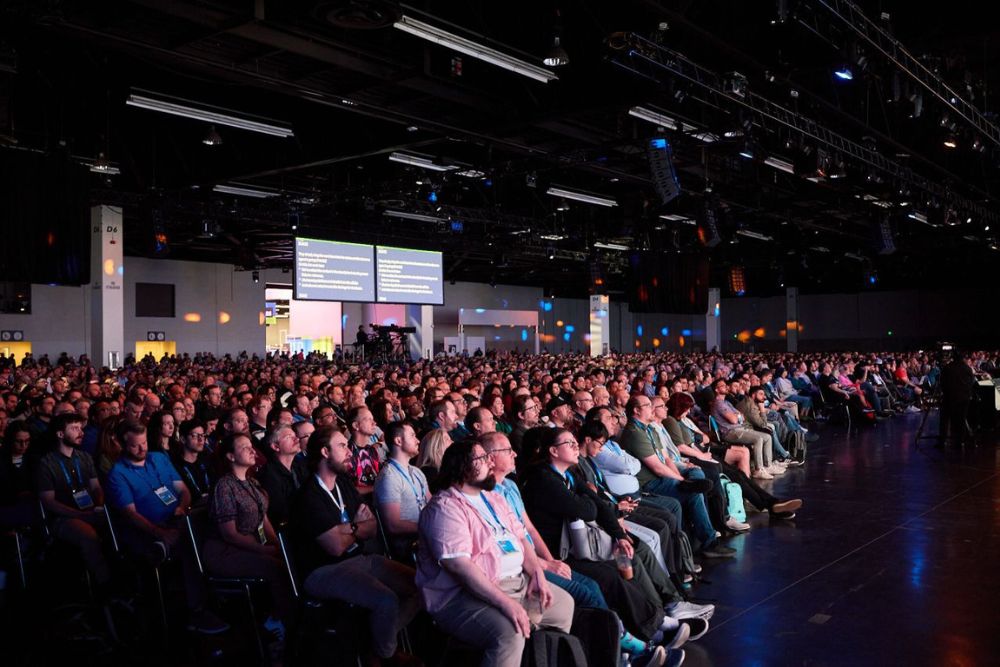
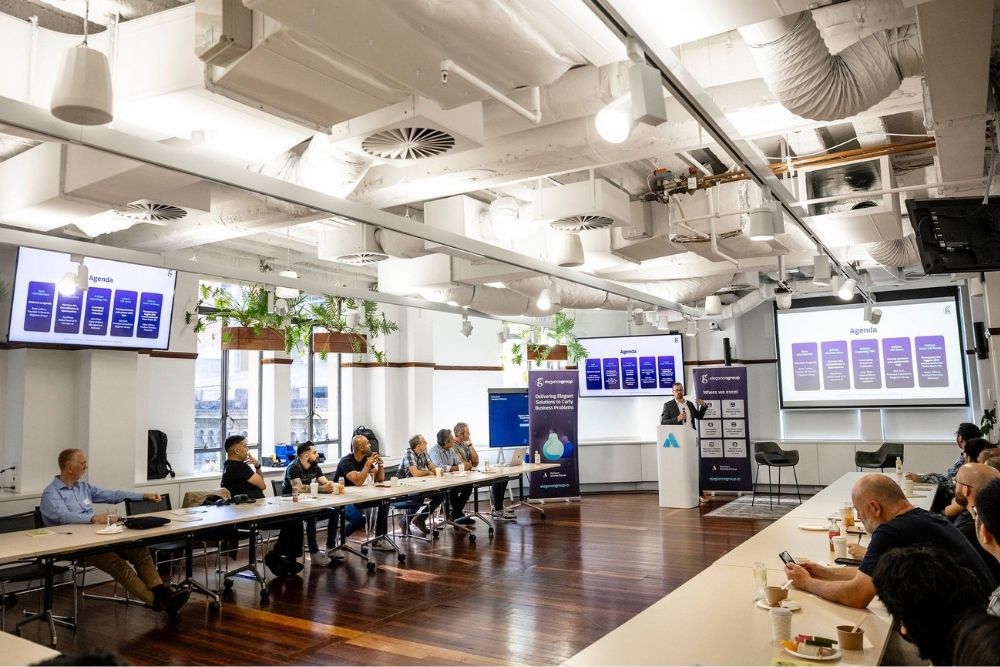
Atlassian’s annual Team conference took place in Anaheim this month, and the AI announcements were hard to ignore. While there were plenty of updates across the platform, the big theme running through everything was a simple one: AI should work where your teams already work, grounded in the context that actually matters.
Here’s a breakdown of the key announcements and what they mean in practice.
Rovo Studio is now the place to build AI for your team
Rovo Studio has been in the works for a while, but Team ‘26 marked its moment in the spotlight. It’s a unified workspace where any team can build AI agents, automations, and apps from a simple prompt, no code required.
The pitch from Atlassian is straightforward: most AI tools that teams use today either sit outside the systems where work happens, or they operate without any real governance. Studio is designed to solve both problems at once.
Everything built in Studio runs on the Teamwork Graph, which means agents are grounded in your organisation’s actual data and workflows rather than operating in a vacuum. And unlike ad-hoc AI scripts and shadow tools that tend to proliferate across organisations, Studio has enterprise-grade governance built in from the start. That means roles, permissions, approvals, versioning, and full audit trails are part of the package, not an afterthought.
For teams already experimenting with AI automation, this creates a proper home for that work. Instead of managing a growing collection of disconnected scripts and tools, Studio gives you a governed place to build, test, and deploy agents that actually understand how your organisation operates.
Some of the agents teams are building today include things like:
- A Service Triage Agent that reads new tickets and automatically sets team, priority, and routing fields
- A Marketing Brief Builder Agent that handles intake questions and generates consistent briefs
- An Incident Knowledge Agent that turns incidents and chat discussions into live, exec-ready summaries
- A Performance Cycle Agent that gathers evidence of work and drafts performance review narratives
These are practical examples, and they give you a sense of where this is heading.
The Teamwork Graph is now accessible everywhere
One of the more significant underlying announcements was around the Teamwork Graph itself. Atlassian’s Teamwork Graph is essentially a living map of how work happens across your organisation, connecting people, goals, code, content, and decisions across Jira, Confluence, and connected third-party tools.
The big news at Team ‘26 was that this graph is now accessible beyond the Atlassian ecosystem, in a few different ways.
For developers: Teamwork Graph CLI
The Teamwork Graph CLI (currently in open beta) puts connected Atlassian context directly into the developer’s natural environment: the terminal.
This matters because it means developers can give AI agents like Claude Code or Cursor a unified way to query work and relationships without having to stitch together data from individual product APIs. With over 300 available commands, the CLI provides fast, structured access to everything happening across your toolchain, including Jira, GitHub, Snyk, Jenkins, and Figma.
The CLI isn’t read-only either. Developers can use it to write and update the graph too, creating relationships, updating work items, and pushing context back from whatever tool or agent they’re building.
For everyone else: Teamwork Graph tools in Rovo MCP Server
For knowledge workers using AI assistants outside of Atlassian’s own tools, the Rovo MCP Server (also in open beta) gives any MCP-compatible AI client, including Claude or ChatGPT, a secure, admin-controlled way to pull connected context and take action in Atlassian tools.
What makes this interesting is the kind of intelligence it unlocks. Rather than just surfacing data, the Teamwork Graph delivers the full picture behind your work. Why was a decision made? How are projects connected? What’s impacted if something changes? Teams can get answers from a single AI conversation, then turn those insights into action without copy-paste or constant context switching.
The practical implications here include things like incident agents getting a unified view of related Jira issues, deployments, and past remediation steps, or AI assistants being able to surface the true owners of a project as work changes rather than relying on static watcher lists.
All of this comes with domain and IP allowlists, audit logs, and enterprise-ready controls, so it’s not just powerful; it’s governed.
What this signals about where Atlassian is heading
Taken together, these announcements point to a clear direction. Atlassian isn’t trying to build a standalone AI assistant. They’re embedding AI intelligence into the systems where teams already plan, track, and collaborate on work, and making sure that intelligence is grounded in real context rather than guessing.
A few things stand out:
Context is the differentiator. Atlassian’s own benchmarks show that grounding responses in Teamwork Graph data delivers 44% more accurate results while using 48% fewer tokens. That’s a meaningful difference, and it’s the argument for building on a platform that genuinely knows your organisation rather than stitching together point solutions.
Governance is built in, not bolted on. Shadow AI is a real problem for organisations right now. Tools and scripts proliferate, and nobody has full visibility into what’s running or why. Studio and the broader Rovo platform are designed with that problem in mind from the ground up.
AI that works in your flow. Whether that’s your terminal, your AI assistant of choice, or directly inside Jira and Confluence, the goal is the same: AI that works where you already are, not AI that requires you to go somewhere else.
What’s next
These are early days for a lot of this, and both the Teamwork Graph CLI and the Rovo MCP Server are still in open beta. But the direction is clear, and the pace of development suggests these capabilities will mature quickly.
If you’re already using Atlassian tools and want to understand how these updates could work in your environment, we’d be happy to walk through it with you. Get in touch and let’s explore what’s possible.
Recent Posts
Atlassian Is Putting AI and Automation on a Meter: Here's What's Changing and What To Do About It
Atlassian's 27 August Outage: How to Claim Your Service Credit